Download Zipover
Install, pair, then copy and paste as usual.
macOS
1.0.0
Your system
Choose Mac version
Windows
1.0.0
Your system
Download for WindowsLinux
1.0.0
Your system
Download for LinuxThree steps. One clipboard.
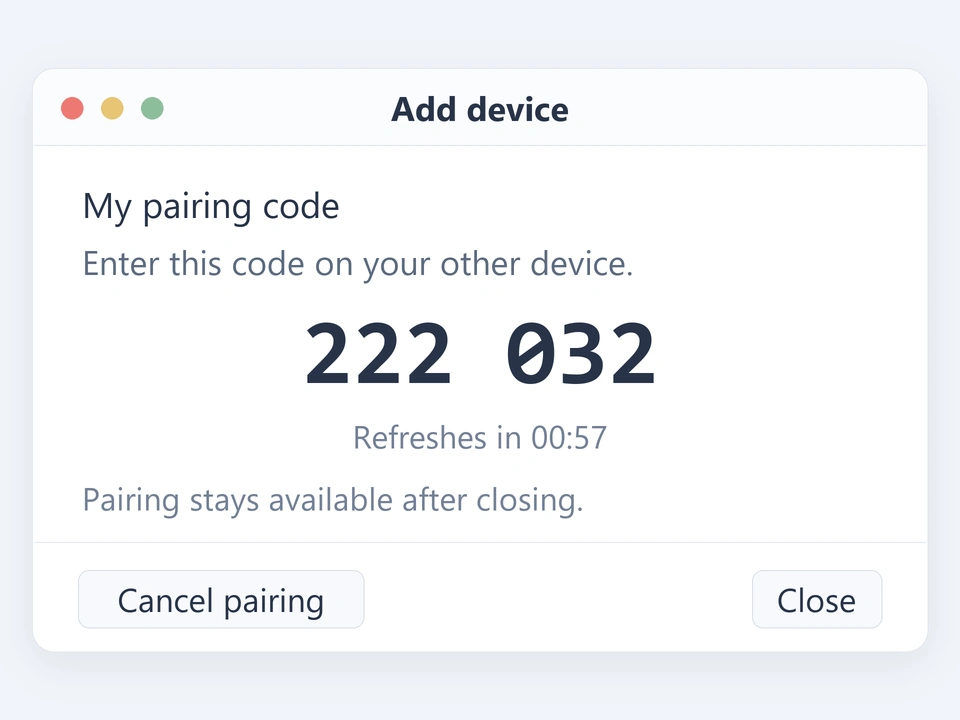
Start the trial, show a code
Start the free trial on both computers. Open “添加设备” (Add device) from the tray, then show a code on one.
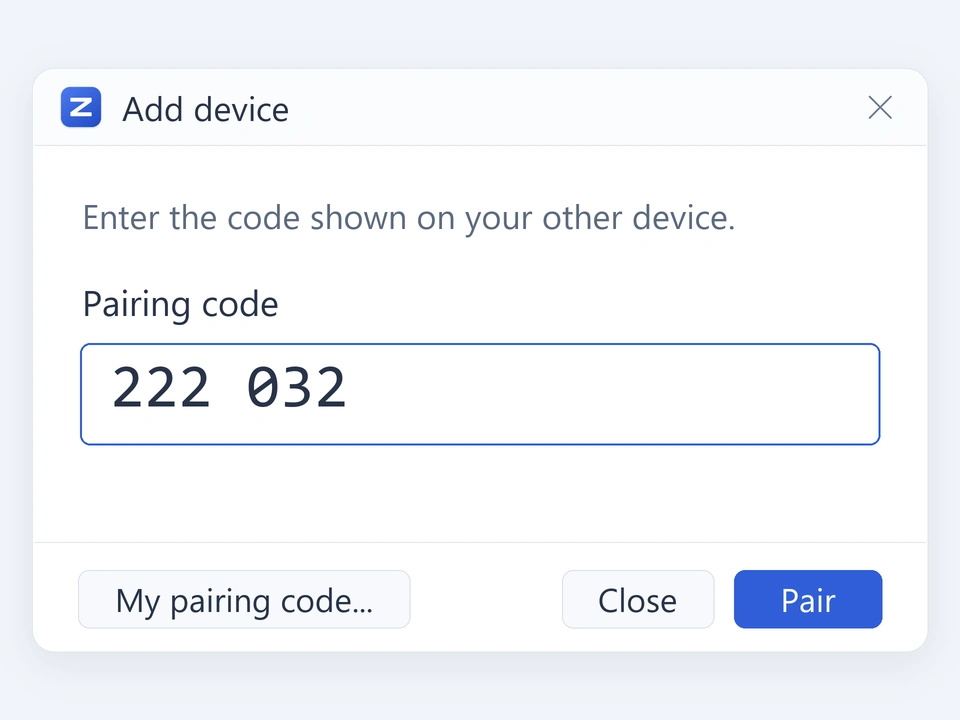
Enter the code
Enter the six-digit code on the other computer, then choose Pair.
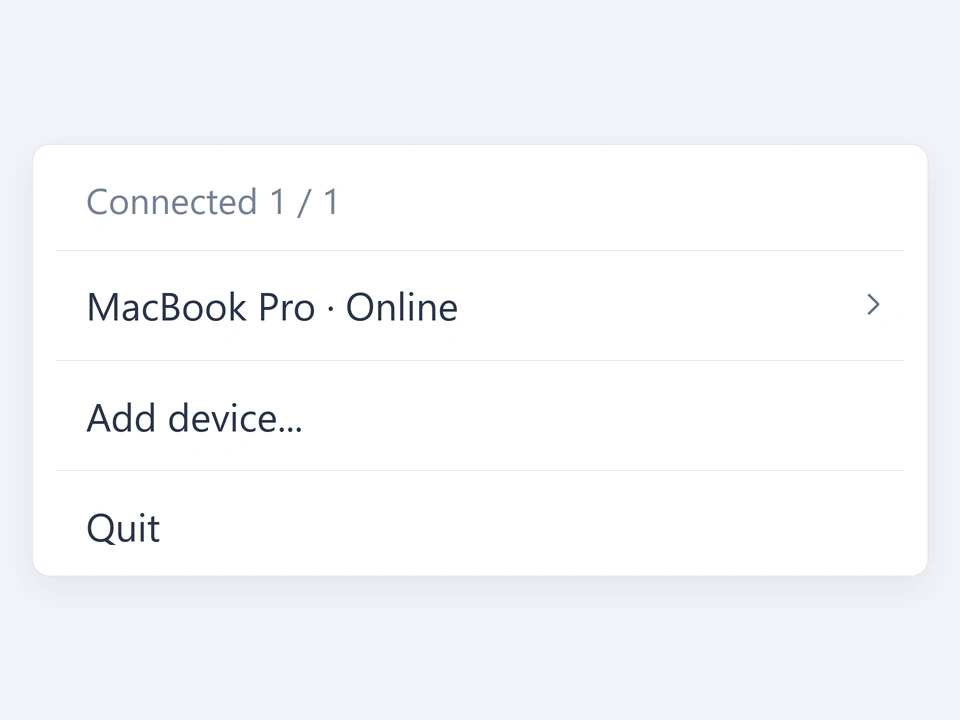
Copy and paste
Once connected, keep Zipover running and use your usual shortcuts.
Prefer the terminal?
The CLI is free and open source. The project documentation covers installation and usage.